Your land.Any project.In 20 seconds.
A landscape designer costs thousands. Exterior AI shows you your garden, field or wasteland transformed before you plant anything. Upload a photo, pick a style.
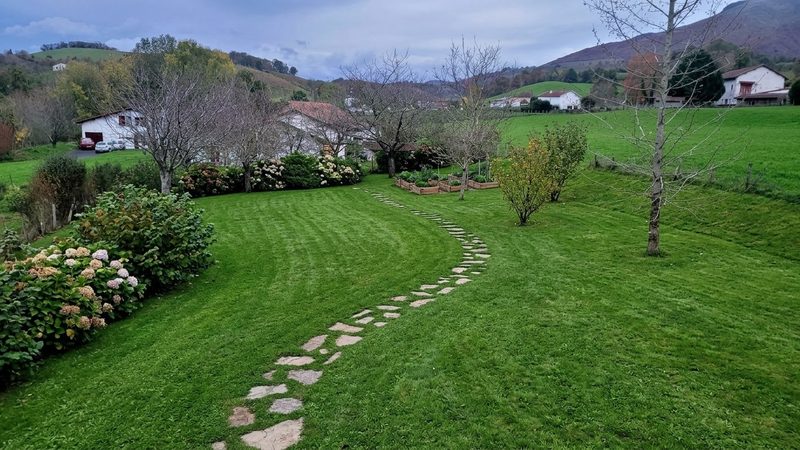
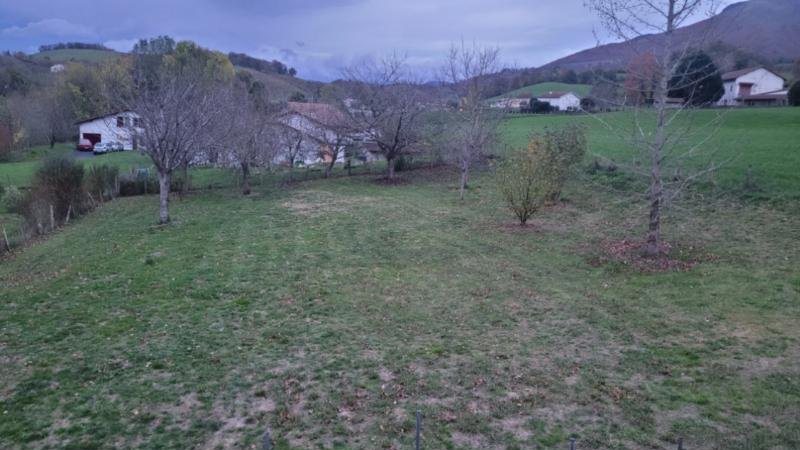
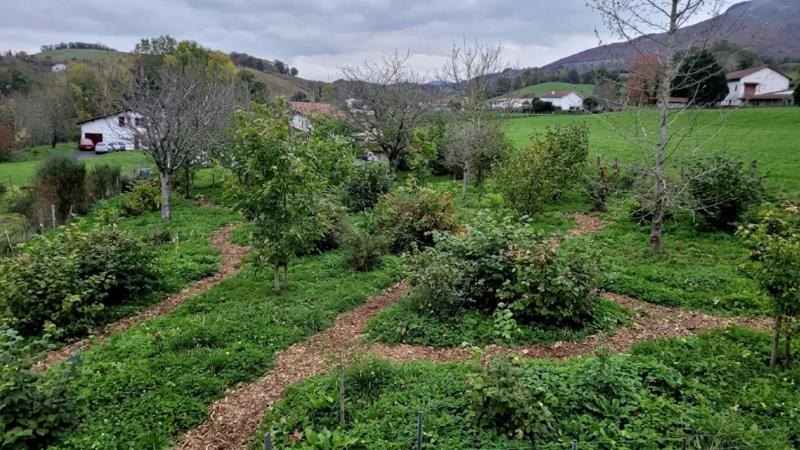
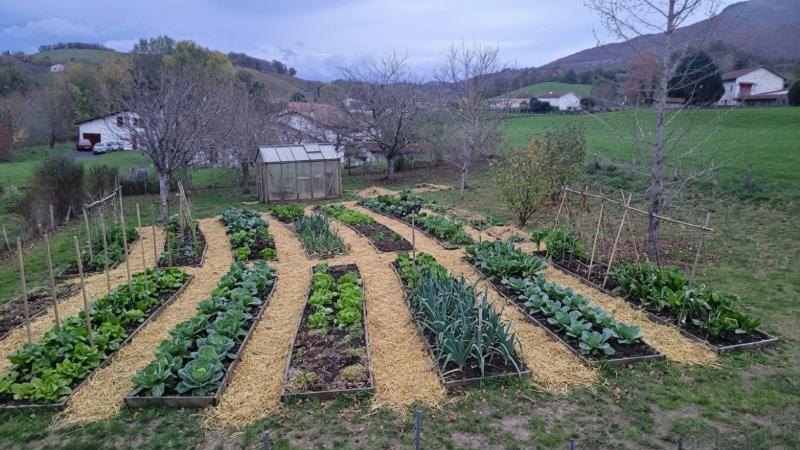
One field, four projects
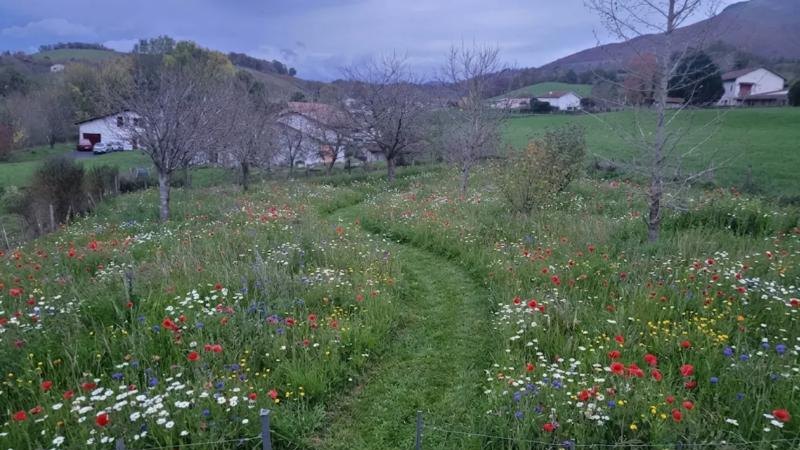
What you can do
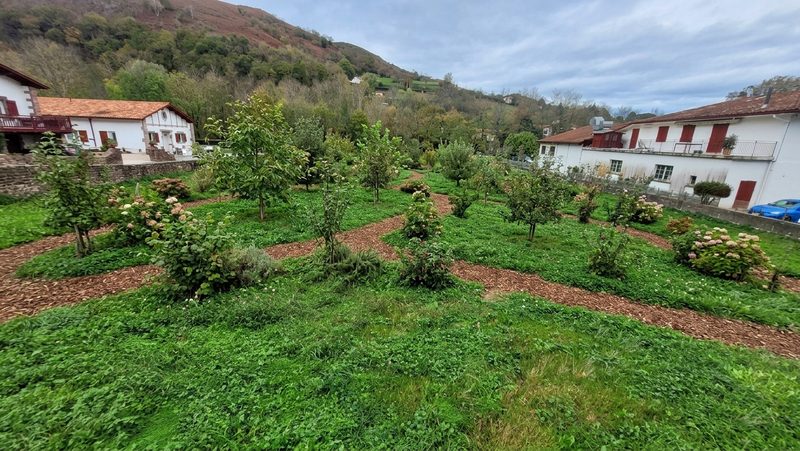
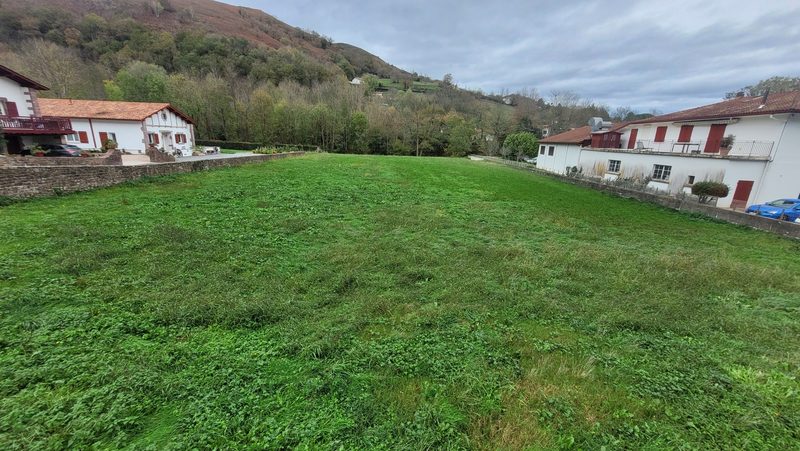
Turn a lawn into a food forest
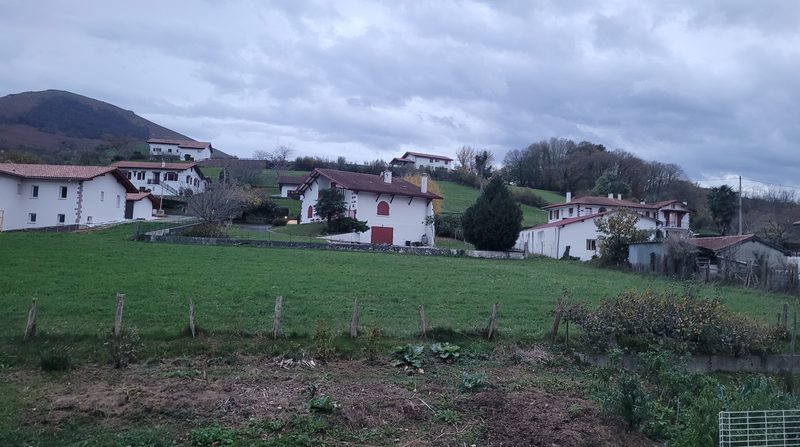
A lawn between two houses becomes a food forest: fruit trees, berries, wood-chip paths. The houses, the car and the wide-angle distortion stay.
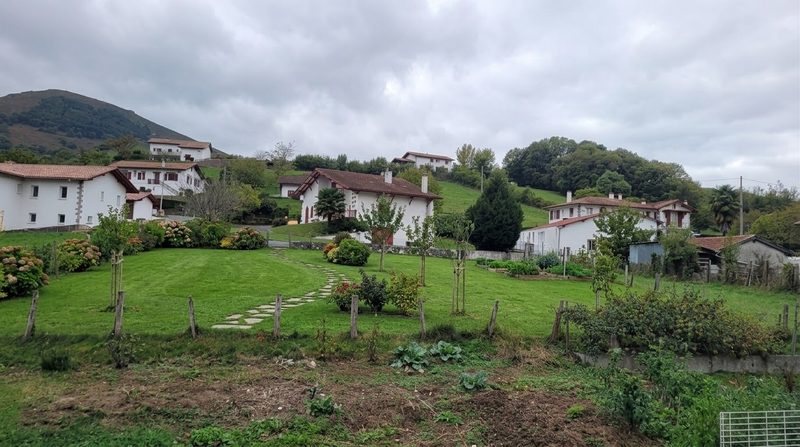
Design only your plot
You say where your land ends (“the field behind the fence”): only that part changes. The foreground, the low wall and the neighbour's shed stay put.
Restore a ruin
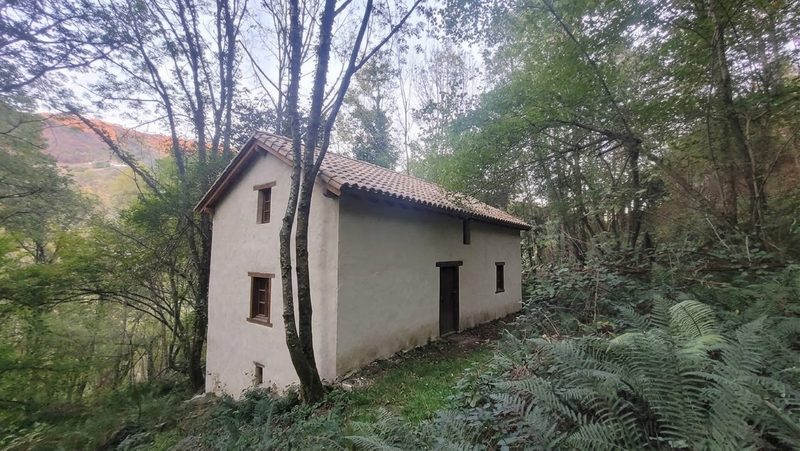
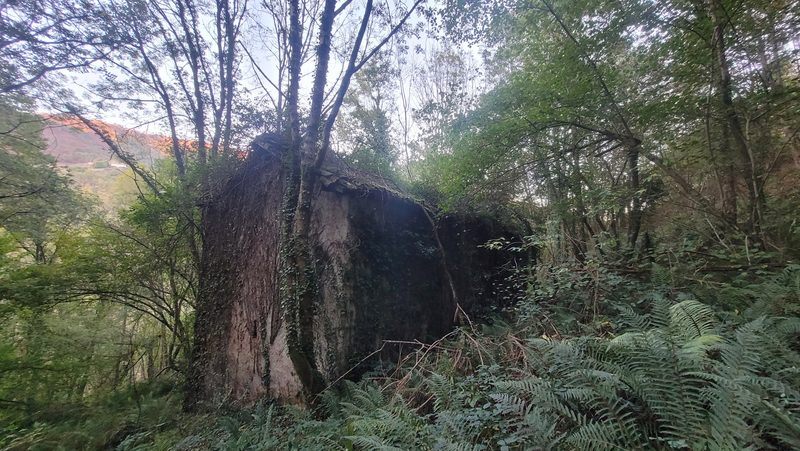
A ruined barn in the woods, brought back: same building, same size, lime render and a tiled roof. The trees and ferns stay.
Try it with your photo
Your before / after designs will appear here.
Pricing
A monthly subscription, no commitment. Cancel in one click.
Pro
19 €/month
200 renders per month
- ✓ No watermark
- ✓ Every style and every region
- ✓ Growth timeline (planting → 15 years)
- ✓ Commercial use (quotes, social media)
Premium
49 €/month
1000 renders per month
- ✓ No watermark
- ✓ Every style and every region
- ✓ Growth timeline (planting → 15 years)
- ✓ Commercial use (quotes, social media)
Ultra
99 €/month
2000 renders per month
- ✓ No watermark
- ✓ Every style and every region
- ✓ Growth timeline (planting → 15 years)
- ✓ Commercial use (quotes, social media)
Styles
Frequently asked questions
How do the different modes work?
“Redesign” starts from scratch in the chosen style. “Keep what's there” keeps the trees and buildings and only changes the style. “Add an element” adds only what you ask for (a greenhouse, a pond, a shed). “Rewild” lets nature take over. “Clean up” removes brambles and rubbish without adding anything. “Hide a view” plants a hedge along the edge.
Is this a planting plan?
No. It's an image to help you picture it and decide. Distances and quantities are not guaranteed.
Why ask for the climate?
So only plants that really grow where you live appear. An olive tree at 1,200 m or a mango tree in Scotland would look nice and be wrong.
What photo should I upload?
A daytime photo, taken at eye level or from a high point (bank, window, drone), with the land clearly visible. Avoid backlight and blurry shots. A Google Maps or Street View screenshot works too.
What file formats do you accept?
JPG, PNG, WebP and most phone photos. You can also paste an image with Ctrl+V.
How long does it take?
About 20 seconds per design. The growth timeline (4 linked designs) takes a little over a minute.
Will the design match my land?
The AI keeps the terrain, the framing and the buildings. To be sure something stays, write it in “What must not change”. To change only one part, write it in “Which part to change”.
Will my designs have artefacts?
Sometimes: an odd plant, a detail that changes. Run it again, or ask for several designs at once and pick the best.
Can I use the images for my business?
Yes. With a subscription, designs have no watermark and you can use them commercially: landscaping quotes, land-for-sale listings, social media.
What happens to my photos?
They are only used to produce your design. We never sell them, and we delete them on request.
How do I cancel?
In one click, from “Manage my subscription”. No commitment: your plan stays active until the end of the paid month.
Who is behind Exterior AI?
A small independent maker from the Basque Country, who tests every style on his own land before putting it online.